 wehub-resource-sync
03ed633412
wehub-resource-sync
03ed633412
25 KiB
Note
本文档由 WeHub 基于上游 README 翻译整理,属于社区翻译,非官方中文文档。
English · 原始项目 · 上游 README
原作者、版权与许可证归属以原始项目及本仓库 LICENSE 文件为准。






编写 HTML。渲染视频。为智能体而生。
Quickstart | Showcase | Playground | Catalog | Docs | Discord

HyperFrames 是一个开源框架,可将 HTML、CSS、媒体与可寻址动画(seekable animations)转换为确定性的 MP4 视频。可在本地通过 CLI 使用,也可通过 AI 编程智能体的 skills 调用,或作为托管创作工作流背后的渲染核心。
快速开始
配合 AI 编程智能体
安装 HyperFrames skills,然后描述你想要的视频:
npx skills add heygen-com/hyperframes --full-depth --yes
--full-depth会完整克隆仓库当前的main。若省略它,skills add会拉取 skills.sh 注册表 blob,该 blob 比main滞后数小时——你会得到较旧版本的 skill。(hyperframes skills update已默认完整深度安装。)
可尝试如下提示词:
使用
/hyperframes,制作一段 10 秒的产品介绍:标题淡入、背景视频,以及轻柔的背景音乐。
这些 skills 会教智能体掌握 HyperFrames 制作流程:规划视频、编写合法 HTML、接入可寻址动画、添加媒体、lint、预览与渲染。它们适用于 Claude Code、Cursor、Gemini CLI、Codex 及其他支持 skills 的编程智能体。
Skills
HyperFrames 内置 20 个 skills,供智能体按需加载。请先阅读 /hyperframes——它是路由与能力地图;针对任意「帮我做一个…」类请求(视频、演示文稿或 composition 迁移),它会选择工作流并指向下方各领域 skill。
运行 npx skills add heygen-com/hyperframes --full-depth 打开交互式选择器,运行 npx skills add heygen-com/hyperframes --all --full-depth 一次性安装全部 20 个(跳过选择器),或运行 npx skills add heygen-com/hyperframes --skill <name> --full-depth 仅安装单个(裸名称,无需前缀 /)。请保留 --full-depth——它会安装当前的 main;若省略,skills add 会拉取 skills.sh blob,该 blob 会滞后数小时。
此后安装保持精简:npx hyperframes init 会保持核心集(router、hyperframes-* 领域 skills 与 media-use——外加已安装项;/figma 仍按需加载)为最新,且不会扩展部分安装;创作工作流按需安装——进入任一工作流前,router 会先运行 npx hyperframes skills update <workflow>。不会在后台悄悄重新拉取完整套装。
Router
| Skill | 适用场景 |
|---|---|
/hyperframes |
针对制作 / 创建 / 编辑 / 动画化 / 渲染视频、动画或动态图形(motion graphic)的任何请求,请先阅读。各领域 skills 的能力地图,以及下方创作工作流的意图路由。 |
创作工作流
| Skill | 适用场景 |
|---|---|
/product-launch-video |
营销 / 发布 / 推广产品——基于其 URL、简报或脚本(即使网站仅被提及名称)。最长约 3 分钟(最佳时长 30–90 秒)。 |
/website-to-video |
将通用网站转为视频——站点导览、作品集 / 落地页展示、基于站点自身视觉的社交短片。 |
/faceless-explainer |
从任意文本讲解主题 / 概念——无产品、无 URL、无网站抓取;所有视觉均由 LLM 生成(字体排版 / 抽象 / 示意图 / 数据可视化)。 |
/pr-to-video |
GitHub pull request(PR URL、owner/repo#N ref,或「this PR」)→ 变更日志 / 功能揭晓 / 修复 / 重构说明,通过 gh CLI 读取。 |
/embedded-captions |
为现有口播视频(画面原样保留)添加字幕 / 说明文字——逐字轨道、主体后方嵌入高潮画面,或纯电影式嵌入。 |
/talking-head-recut |
为现有口播 / 访谈 / 播客视频包装精心设计的图形叠加层——下三分之一条、数据标注、动感标题、引用摘录、侧边面板、画中画(PiP)。 |
/motion-graphics |
短小、无旁白、设计驱动的动态图形(约 10 秒以内)——动感字体、数据 / 图表冲击、logo sting、下三分之一条、动画推文 / 标题。输出 MP4 或透明叠加层。 |
/music-to-video |
音乐曲目(音频文件,或从中提取音频的视频)→ 节拍同步视频——歌词、幻灯片或动感宣传片;音乐驱动节奏。 |
/slideshow |
演示文稿 / pitch deck / 交互式 deck——离散幻灯片、片段渐显、分支、热点导航、演讲者模式。输出为可导航的 deck,而非渲染视频。 |
/general-video |
其他任意需求——更长或多场景作品、品牌 / sizzle reel、标题卡、静态循环、自由形式 composition。与输入和时长无关的兜底方案。 |
/remotion-to-hyperframes |
将现有 Remotion(React)composition 源码迁移至 HyperFrames HTML。单向迁移,非从零创作。 |
领域 skills(按需加载)
创作工作流所组合的原子能力——需要某一层时单独拉取。
| Skill | 涵盖范围 |
|---|---|
/hyperframes-core |
composition 契约——data-* 时序属性、class="clip"、轨道、子 composition、变量、框架托管的媒体播放、确定性规则。 |
/hyperframes-animation |
全部动画知识——原子运动规则、场景蓝图、转场、运行时适配器(GSAP / Lottie / Three.js / Anime.js / CSS / WAAPI / TypeGPU)。 |
/hyperframes-keyframes |
跨运行时的寻址安全关键帧编写——GSAP 时间轴、CSS keyframes、Anime.js、WAAPI、FLIP、路径、遮罩、SVG 形变 / 描边、3D 景深——以及 hyperframes keyframes 对渲染运动的诊断。 |
/hyperframes-creative |
非动画创意指导——frame.md / design.md、调色板、字体排版、旁白、节拍规划、音频响应视觉、构图模式。 |
/media-use |
媒体操作系统——将任意媒体需求(BGM、SFX、图像、图标、logo、配音、调色、LUT)解析为冻结的本地文件或可粘贴代码块 + 台账记录;目录缺失时通过 TTS / 音乐 / 图像模型生成;转写、加字幕、抠背景,并在项目间复用素材。共享音频引擎 + manifest 追踪。 |
/hyperframes-cli |
CLI 开发循环——init、lint、check、snapshot、preview、render、publish、doctor,以及 AWS Lambda 云端渲染(lambda deploy / render / progress)。 |
/hyperframes-registry |
通过 hyperframes add 将注册表 block 与 component 安装并接入 composition。创作新的 block 或 component 以向上游贡献。 |
/figma |
导入 Figma 素材、token、component 与分镜区块 → 重建动态效果(帧视为状态而非幻灯片)(REST/CLI),以及 Motion 动画(MCP)与 shader(MCP 源 / 原生导出)并纳入 composition。 |
关于视觉设计交付工作流,请参阅 Claude Design guide and Open Design guide.
使用 CLI 手动操作
npx hyperframes init my-video
cd my-video
npx hyperframes preview      # preview in browser with live reload
npx hyperframes render       # render to MP4
环境要求: Node.js 22+、FFmpeg
你可以构建什么
需要灵感?浏览 Showcase,观看、阅读、运行并混排成品视频。
- 产品发布视频与功能公告
- 带动画代码 diff、旁白和字幕的 PR 讲解
- 数据可视化、图表竞速(chart race)和地图动画
- 带动态字幕、叠加层和背景音乐的社会化视频
- 文档转视频、PDF 转视频和网站转视频的讲解片
- 用于自动化内容流水线的可复用动态图形(motion graphics)
Frame.md
frame.md —— 你的设计系统,已为视频就绪。
每个品牌都有 design.md。它们都不是为镜头而写的。frame.md 是缺失的转译层:它将你面向 Web 上下文的设计规范「反转」为面向画面(frame)的版本——同样的 token、同样的规则,但经过改写,让 AI agent 可以组合宣传片,而无需在尺度上猜测或依赖 Web 界面元素。
输出是一个整个工具链都能读取的 DESIGN.md 超集。原子(atom)保持神圣不可侵犯。组合保持自由。数字来自脚本。

Biennale Yellow |

BlockFrame |
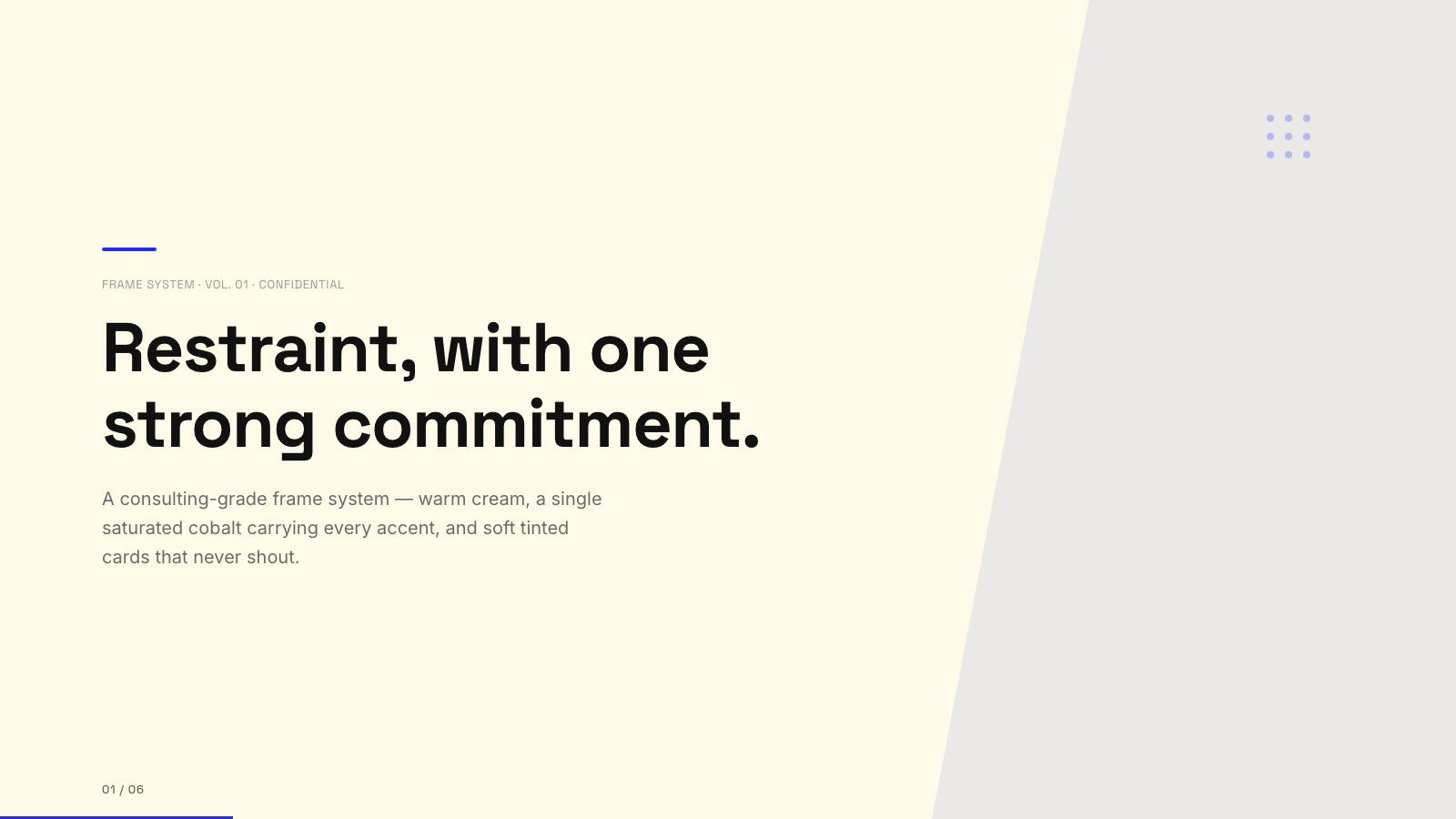
Blue Professional |

Bold Poster |
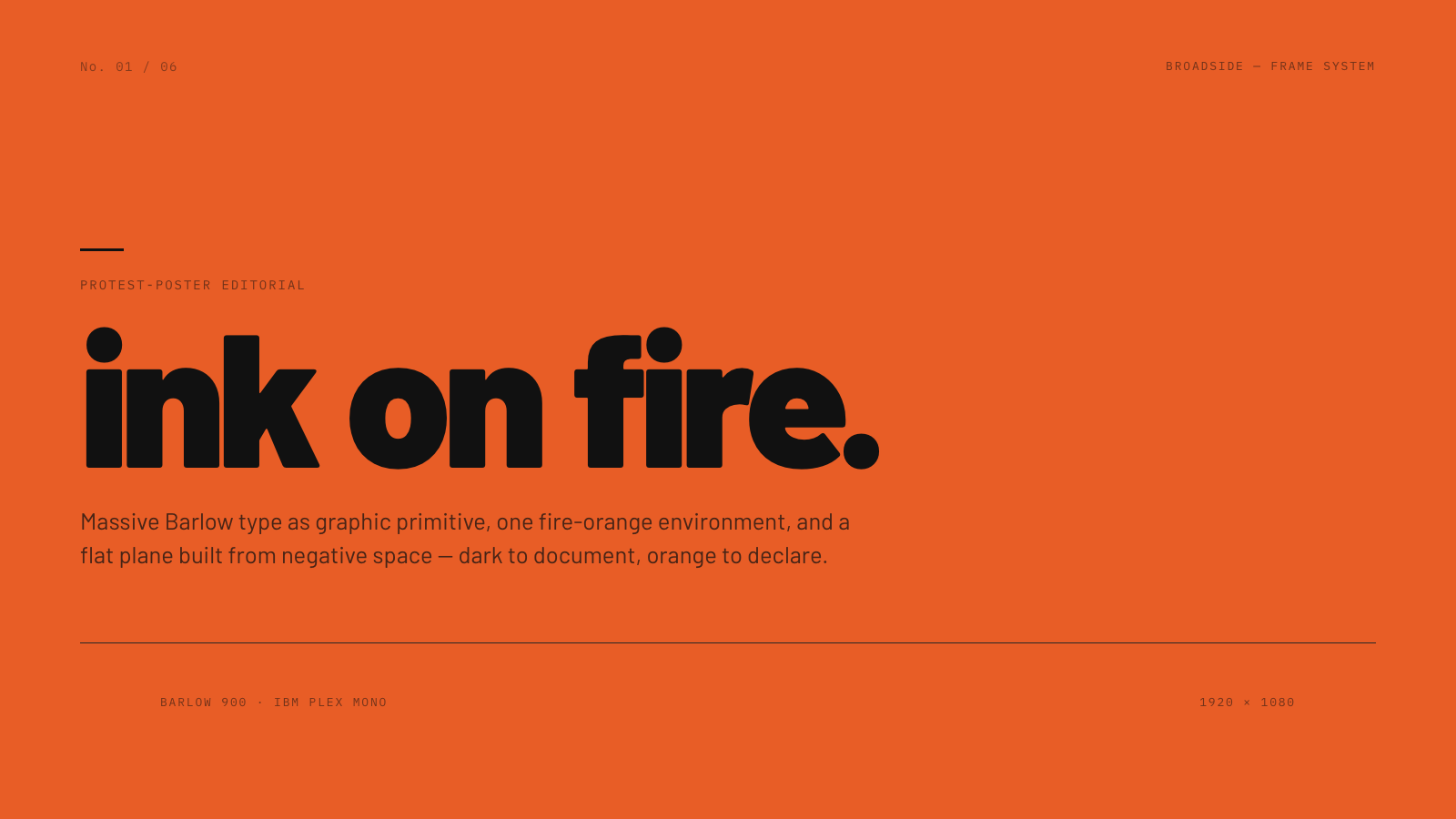
Broadside |
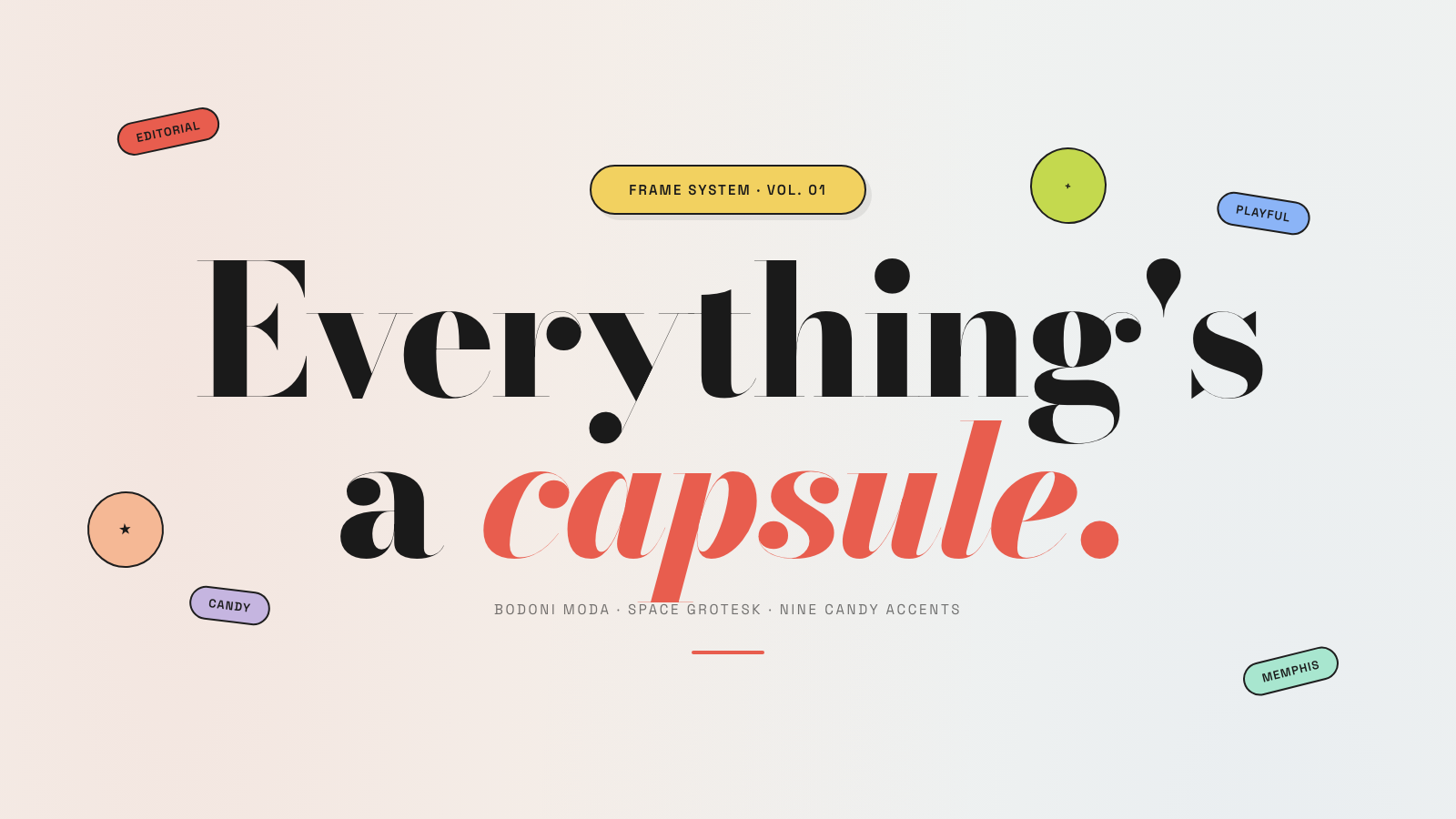
Capsule |
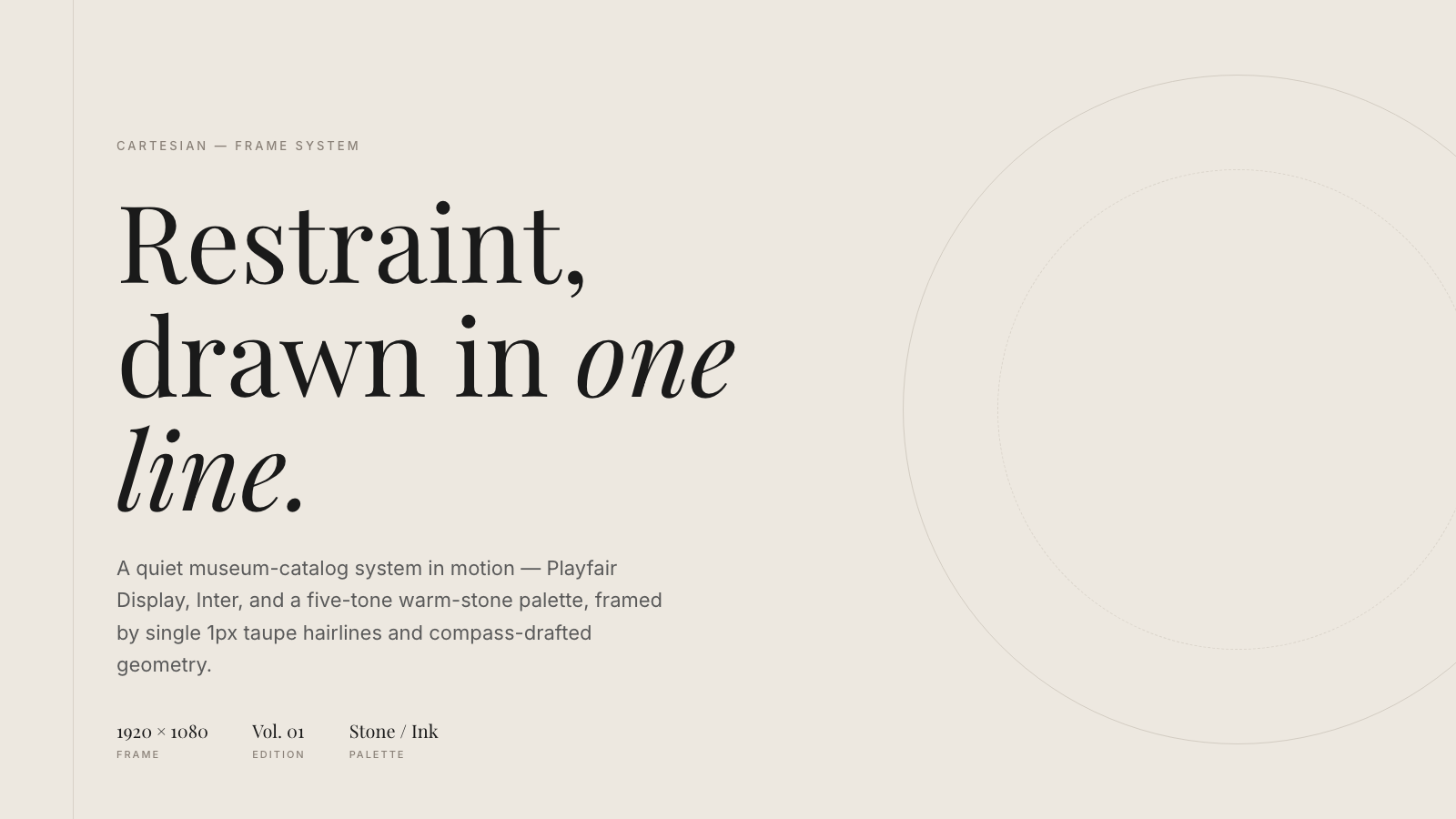
Cartesian |
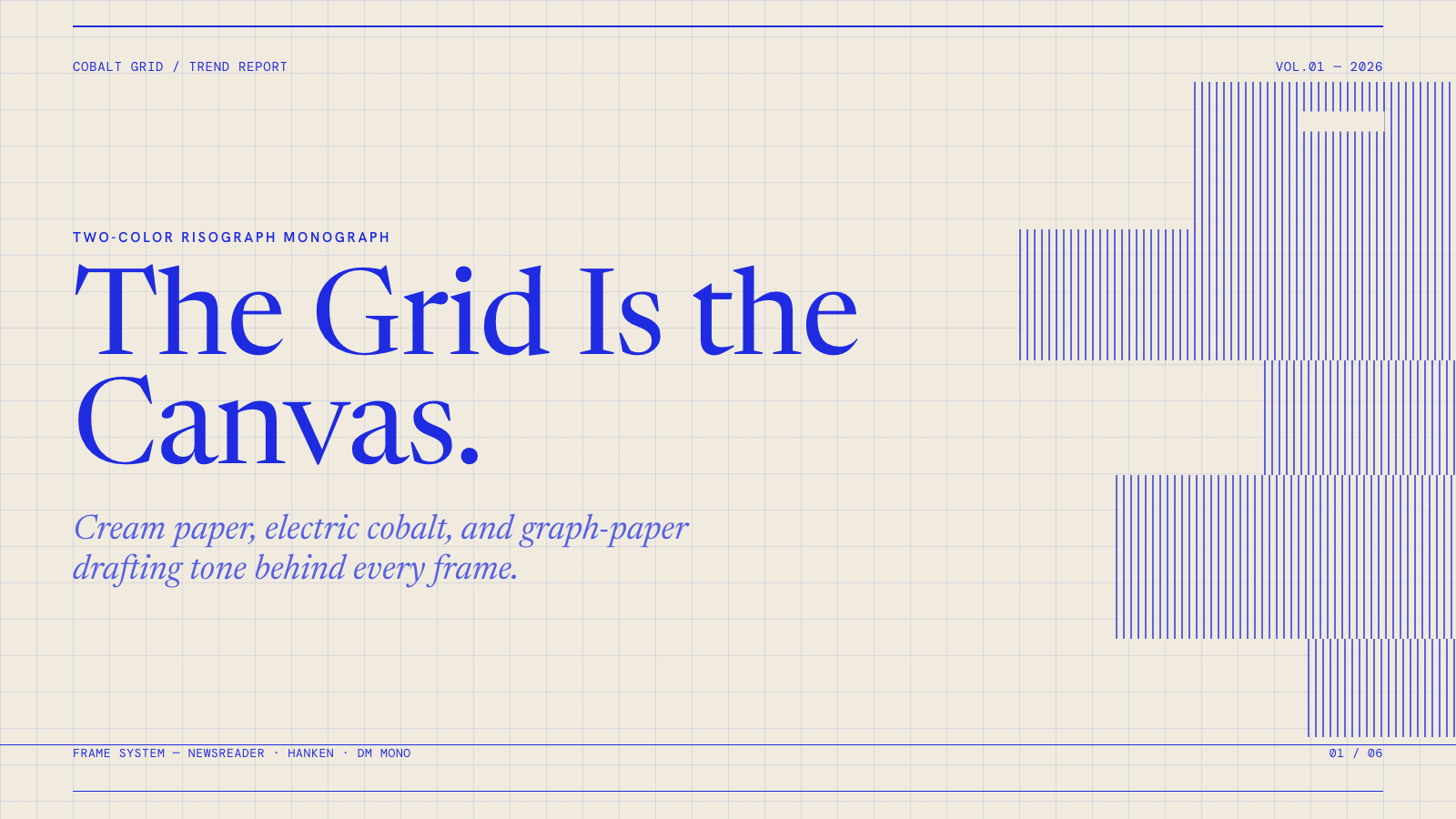
Cobalt Grid |

Coral |
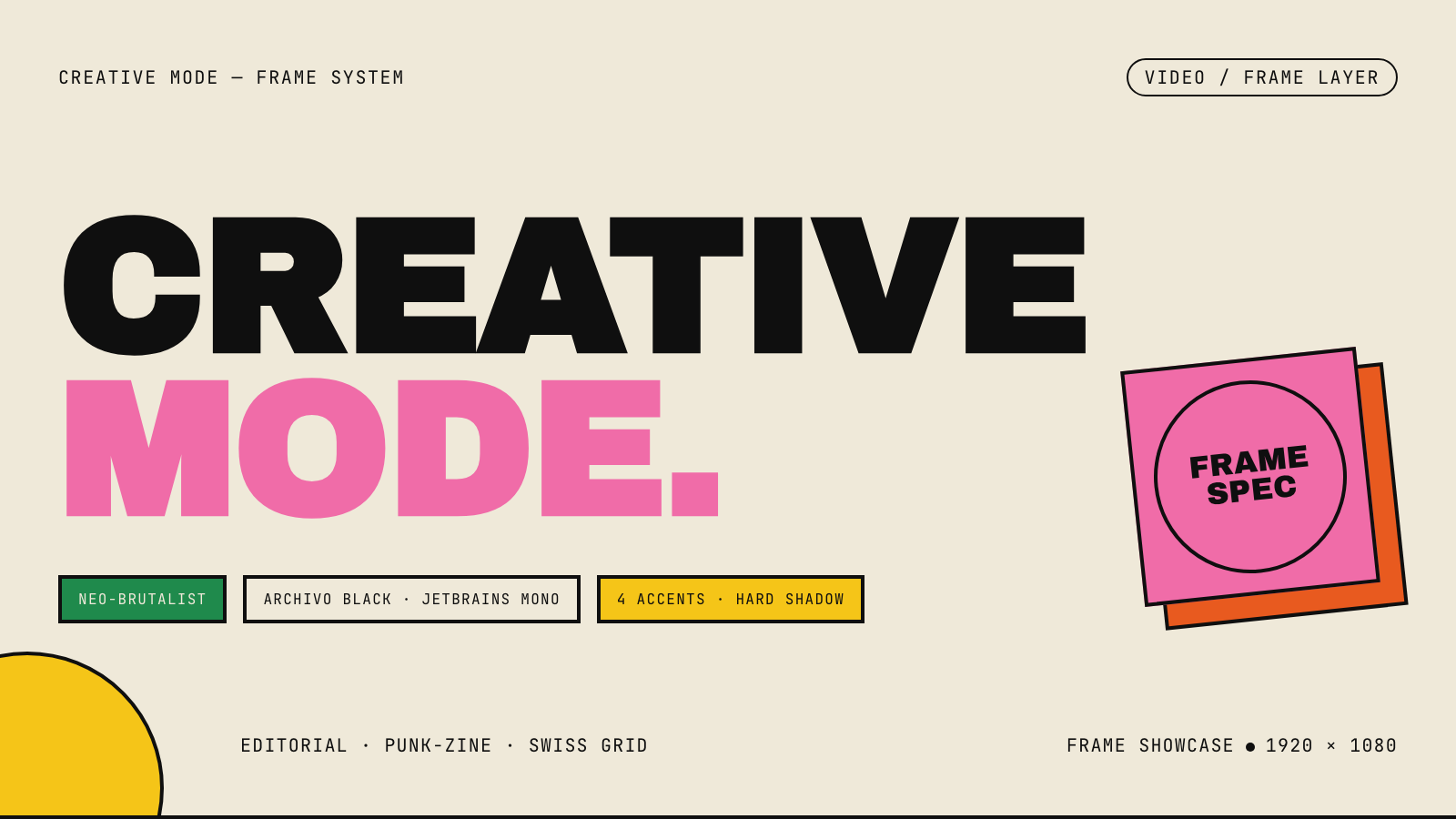
Creative Mode |
在 hyperframes.dev/design. 浏览并混排全部主题。
工作原理
用 HTML 定义视频。添加用于时序和轨道的 data 属性。使用 GSAP、CSS、Lottie、Three.js、Anime.js、WAAPI,或你自己的 frame adapter 实现可寻址(seekable)动画。
<div id="stage" data-composition-id="launch" data-start="0" data-width="1920" data-height="1080">
  <video
    class="clip"
    data-start="0"
    data-duration="6"
    data-track-index="0"
    src="intro.mp4"
    muted
    playsinline
  ></video>

  <h1 id="title" class="clip" data-start="1" data-duration="4" data-track-index="1">Launch day</h1>

  <audio
    data-start="0"
    data-duration="6"
    data-track-index="2"
    data-volume="0.5"
    src="music.wav"
  ></audio>

  <script src="https://cdn.jsdelivr.net/npm/gsap@3/dist/gsap.min.js"></script>
  <script>
    const tl = gsap.timeline({ paused: true });
    tl.from("#title", { opacity: 0, y: 40, duration: 0.8 }, 1);
    window.__timelines = window.__timelines || {};
    window.__timelines.launch = tl;
  </script>
</div>
在浏览器中即时预览。在本地或 Docker 中渲染。渲染器在 headless Chrome 中逐帧寻址,并用 FFmpeg 编码结果,因此相同输入会产生相同视频。
HyperFrames 技术栈
HyperFrames 是开源渲染引擎,以及一套围绕 HTML 原生视频创作不断扩展的工具集。
| 组件 | 状态 | 功能 |
|---|---|---|
| CLI | 可用 | 脚手架搭建、预览、lint、检查并渲染本地视频项目 |
| Core / Engine / Producer | 可用 | 解析合成、驱动 headless Chrome、编码视频并混音 |
| Catalog | 可用 | 用于转场、叠加层、字幕、图表、地图和效果的可复用块与组件 |
| Agent skills | 可用 | 向编码 agent 传授通用 Web 文档所缺失的视频制作模式 |
| Studio | 可用,持续演进 | 用于预览和编辑合成的浏览器界面 |
| AWS Lambda rendering | 可用 | 部署分布式渲染栈,并从笔记本电脑或 CI 驱动渲染 |
| hyperframes.dev | 可用 | 用于预览、迭代、分享和渲染 HTML 原生视频项目的社区游乐场 |
| frame.md | 可用 | 将你的设计系统「反转」为面向镜头——一个 agent 可据此组合视频的 DESIGN.md 超集 |
Catalog
安装即用型 block 与组件:
npx hyperframes add flash-through-white   # shader transition
npx hyperframes add instagram-follow      # social overlay
npx hyperframes add data-chart            # animated chart
在 hyperframes.heygen.com/catalog. 浏览目录
Why HyperFrames?
- HTML 原生(HTML-native): 作品(composition)是带 data 属性的 HTML 文件。无需 React,也没有专有时间轴格式。
- 对 Agent 友好(Agent-friendly): Agent 本来就会写 HTML,且 CLI 默认非交互式。
- 确定性(Deterministic): 相同输入、相同帧、相同输出。为 CI、回归测试和自动渲染而构建。
- 无需构建步骤:
index.html作品可直接播放,并能在浏览器中直接预览。 - 基于适配器的动画: 可接入 GSAP、CSS 动画、Lottie、Three.js、Anime.js、WAAPI 或自定义运行时。
- 开源: Apache 2.0 许可证,无按次渲染费用或商用门槛。
HyperFrames vs Remotion
HyperFrames 受 Remotion. 启发。两款工具均使用无头 Chrome 和 FFmpeg 渲染视频。主要差异在创作模型:Remotion 押注 React 组件;HyperFrames 押注人和 Agent 都能轻松编写的纯 HTML。
| HyperFrames | Remotion | |
|---|---|---|
| 创作方式 | HTML + CSS + 可寻址动画(seekable animation) | React 组件 |
| 构建步骤 | 无;index.html 可直接播放 |
需要打包工具 |
| Agent 交接 | 纯 HTML 文件 | JSX / React 项目 |
| 库时钟动画 | 通过适配器可寻址、逐帧精确 | 墙钟(wall-clock)动画模式需谨慎处理 |
| 分布式渲染 | 本地与 AWS Lambda 渲染路径 | Remotion Lambda,成熟的云渲染器 |
| 许可证 | Apache 2.0 | 源码可用的 Remotion 许可证 |
完整对比请参阅 HyperFrames 与 Remotion 指南.
Documentation
完整文档:hyperframes.heygen.com/introduction
Packages
| Package | Description |
|---|---|
hyperframes |
用于创建、预览、lint、渲染作品的 CLI |
@hyperframes/core |
类型、解析器、生成器、linter、运行时与帧适配器 |
@hyperframes/engine |
基于 Puppeteer 与 FFmpeg 的可寻址页面转视频捕获引擎 |
@hyperframes/producer |
涵盖捕获、编码与混音的完整渲染管线 |
@hyperframes/studio |
基于浏览器的作品编辑器 UI |
@hyperframes/player |
可嵌入的 <hyperframes-player> Web 组件 |
@hyperframes/shader-transitions |
用于作品的 WebGL 着色器转场 |
@hyperframes/aws-lambda |
用于分布式渲染的 AWS Lambda SDK 与部署接口 |
Community
HyperFrames 已在 HeyGen, 投入生产使用,社区示例来自 tldraw,、TanStack, 等团队,详见 ADOPTERS.md。若贵团队也在使用 HyperFrames,欢迎提交 PR。
- 问题与想法:Discord
- Bug 与功能请求:GitHub Issues
- 安全报告:SECURITY.md
- 贡献指南:CONTRIBUTING.md
Development Note
本仓库在 packages/producer/tests/**/output.mp4 下使用 Git LFS 存放黄金回归测试基线(约 240 MB 的 .mp4 文件)。若要为开发克隆完整仓库,请先安装 Git LFS:
# macOS
brew install git-lfs

# Ubuntu / Debian
sudo apt install git-lfs

# Windows
winget install GitHub.GitLFS

# Then, once per machine
git lfs install
若仅需源代码文件,可跳过 LFS 内容:
GIT_LFS_SKIP_SMUDGE=1 git clone https://github.com/heygen-com/hyperframes.git