 wehub-resource-sync
9.5 KiB
Note
本文档由 WeHub 基于上游 README 翻译整理,属于社区翻译,非官方中文文档。
English · 原始项目 · 上游 README
原作者、版权与许可证归属以原始项目及本仓库 LICENSE 文件为准。

构建、评测并部署使用计算机的智能体(agent)




选择你的路径
|
||

|

|

|
正在构建自己的智能体? 从 Cua 开始 · 想让编码智能体拥有计算机? Cua Drivers · 需要评测或训练模型? Cua Bench · 需要 macOS 虚拟机? Lume
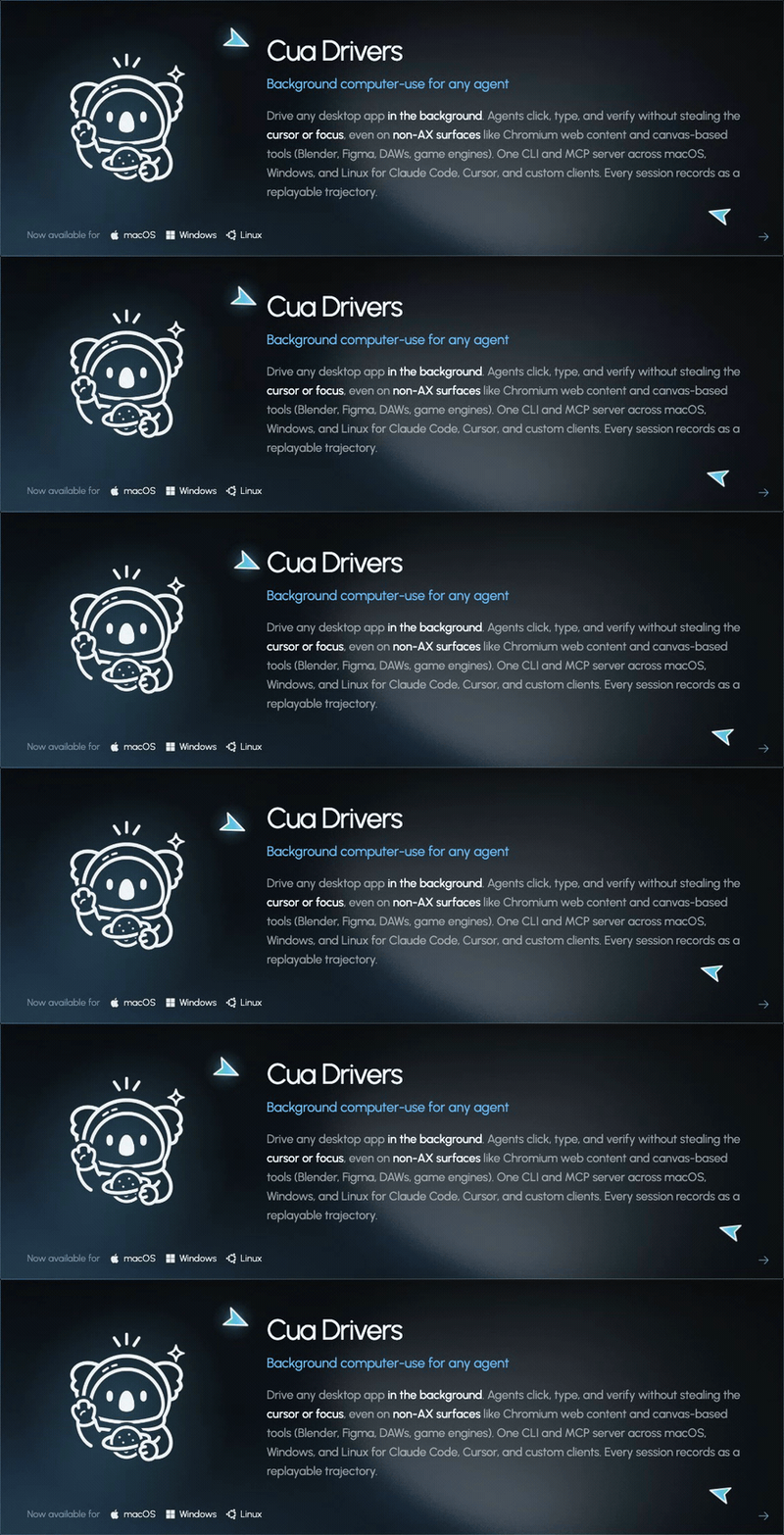
Cua Drivers - 在 macOS、Windows 和 Linux 上后台使用计算机
在后台驱动原生桌面应用。智能体可点击、输入并验证,而不会抢走光标或焦点。在 macOS、Windows 和 Linux 上使用同一套 CLI 与 MCP 服务器,可从 Claude Code、Cursor、Codex、OpenClaw 及自定义客户端接入。Linux 支持 X11 以及针对合成器(compositor)的 Wayland 路径,但对原始后台输入有明确限制。
macOS / Linux
/bin/bash -c "$(curl -fsSL https://cua.ai/driver/install.sh)"
Windows (PowerShell)
irm https://cua.ai/driver/install.ps1 | iex
然后将其作为 MCP 服务器接入 Claude Code,你的智能体即可在后台驱动桌面:
claude mcp add --transport stdio cua-driver -- cua-driver mcp
完整工具参考、架构说明及可选的智能体技能包见:libs/cua-driver/README.md。
Cua - 适用于任意操作系统的智能体就绪沙箱
构建能查看屏幕、点击按钮并自主完成任务的智能体。一套 API 适用于任意虚拟机或容器镜像——云端或本地均可。
pip install cua
# Requires Python 3.11 or later
from cua import Sandbox, Image

# Same API regardless of OS or runtime
async with Sandbox.ephemeral(Image.linux()) as sb:   # or .macos() .windows() .android()
    result = await sb.shell.run("echo hello")
    screenshot = await sb.screenshot()
    await sb.mouse.click(100, 200)
    await sb.keyboard.type("Hello from Cua!")
    await sb.mobile.gesture((100, 500), (100, 200))  # multi-touch gestures
| Linux 容器 | Linux 虚拟机 | macOS | Windows | Android | BYOI(.qcow2、.iso) | |
|---|---|---|---|---|---|---|
| 云端(cua.ai) | ✅ | ✅ | ✅ | ✅ | ✅ | 🔜 即将推出 |
| 本地(QEMU) | ✅ | ✅ | ✅ | ✅ | ✅ | ✅ |
Cua-Bench - 基准测试与强化学习(RL)环境
在 OSWorld、ScreenSpot、Windows Arena 及自定义任务上评测计算机使用智能体。导出轨迹用于训练。
# Clone, install, and create base image
git clone https://github.com/trycua/cua && cd cua/cua-bench
uv tool install -e . && cb image create linux-docker

# Run benchmark with agent
cb run dataset datasets/cua-bench-basic --agent cua-agent --max-parallel 4
Lume - macOS 虚拟化
使用 Apple 的 Virtualization.Framework,在 Apple Silicon 上创建和管理 macOS/Linux 虚拟机,性能接近原生。
# Install Lume
/bin/bash -c "$(curl -fsSL https://cua.ai/lume/install.sh)"

# Create and start a vanilla macOS VM from an Apple restore image
curl -L "$(lume ipsw | tail -n 1)" -o ~/Downloads/macos-tahoe.ipsw
lume create macos-tahoe --ipsw ~/Downloads/macos-tahoe.ipsw --unattended tahoe
lume run macos-tahoe
--unattended 选项会离线准备已安装的客户机。内置的
sequoia 与 tahoe 预设会创建 lume 用户、启用 SSH、配置
自动登录,并禁用休眠与屏幕锁定。默认凭据为
lume / lume。
Tahoe 流程已通过端到端(E2E)验证。Sequoia 在首次显示启动时可能仍会打开设置助理(Setup Assistant)的无障碍步骤;详见 issue #2155.
软件包
| 软件包 | 说明 |
|---|---|
| cua-driver | 适用于 macOS、Windows 和 Linux 的后台计算机使用智能体 |
| cua-agent | 用于计算机使用任务的 AI 智能体框架 |
| cua-sandbox | 用于创建和控制沙箱的 SDK |
| cua-computer-server | 沙箱中 UI 交互与代码执行的驱动 |
| cua-bench | 计算机使用的基准测试与 RL 环境 |
| lume | Apple Silicon 上的 macOS/Linux 虚拟机管理 |
| lumier | Lume 虚拟机的 Docker 兼容接口 |
资源
- 文档 — 指南、示例与 API 参考
- 博客 — 教程、更新与研究
- Discord — 社区支持与讨论
- GitHub Issues — 错误报告与功能请求
贡献
我们欢迎贡献!详情请参阅 贡献指南。
许可证
MIT 许可证 — 详情请参阅 LICENSE。
第三方组件有各自的许可证:
- Kasm (MIT)
- OmniParser (CC-BY-4.0)
- 可选的
cua-agent[omni]包含 ultralytics(AGPL-3.0)
商标
Apple、macOS、Ubuntu、Canonical 与 Microsoft 均为其各自所有者的商标。本项目与上述公司无任何关联,亦未获其认可。
感谢所有 GitHub Sponsors!