 wehub-resource-sync
Rerun Rust examples
These are examples of how to use the rerun crate.
Running the examples
To try out any example in the list that follows, simply run cargo run -p <example_name>; e.g. cargo run -p minimal.
By default, the examples spawn a Rerun Viewer and stream log data to it.
In debug builds, they will spawn target/debug/rerun if it exists, otherwise look for rerun on PATH.
You can instead save the log data to an .rrd file using cargo run -p objectron -- --save data.rrd. You can then open that .rrd file with rerun data.rrd or cargo run -- data.rrd.
NOTE: .rrd files do not yet guarantee any backwards or forwards compatibility. One version of Rerun will likely not be able to open an .rrd file generated by another Rerun version.
Additional settings
Most examples come with a set of predefined Rerun flags and optionally a number of example-specific flags.
Use e.g. cargo run -p objectron -- --help for a detailed listing.
The predefined Rerun flags go as follow and are all mutually exclusive:
--spawn: start a Viewer and feed it data in real-time (default behavior)--save <SAVE>: saves the data to an rrd file rather than visualizing it immediately--connect [IP:PORT]: connects and sends the logged data to a remote Rerun viewer--serve: connects and sends the data to a web-based Rerun viewer.
Datasets
Some examples require small datasets to be downloaded before they run. These datasets can be downloaded by running the homonymous Python examples (each example that requires it will tell you how to).
The datasets will be added to a subdir called dataset, which is in the repo-wide .gitignore.
Examples
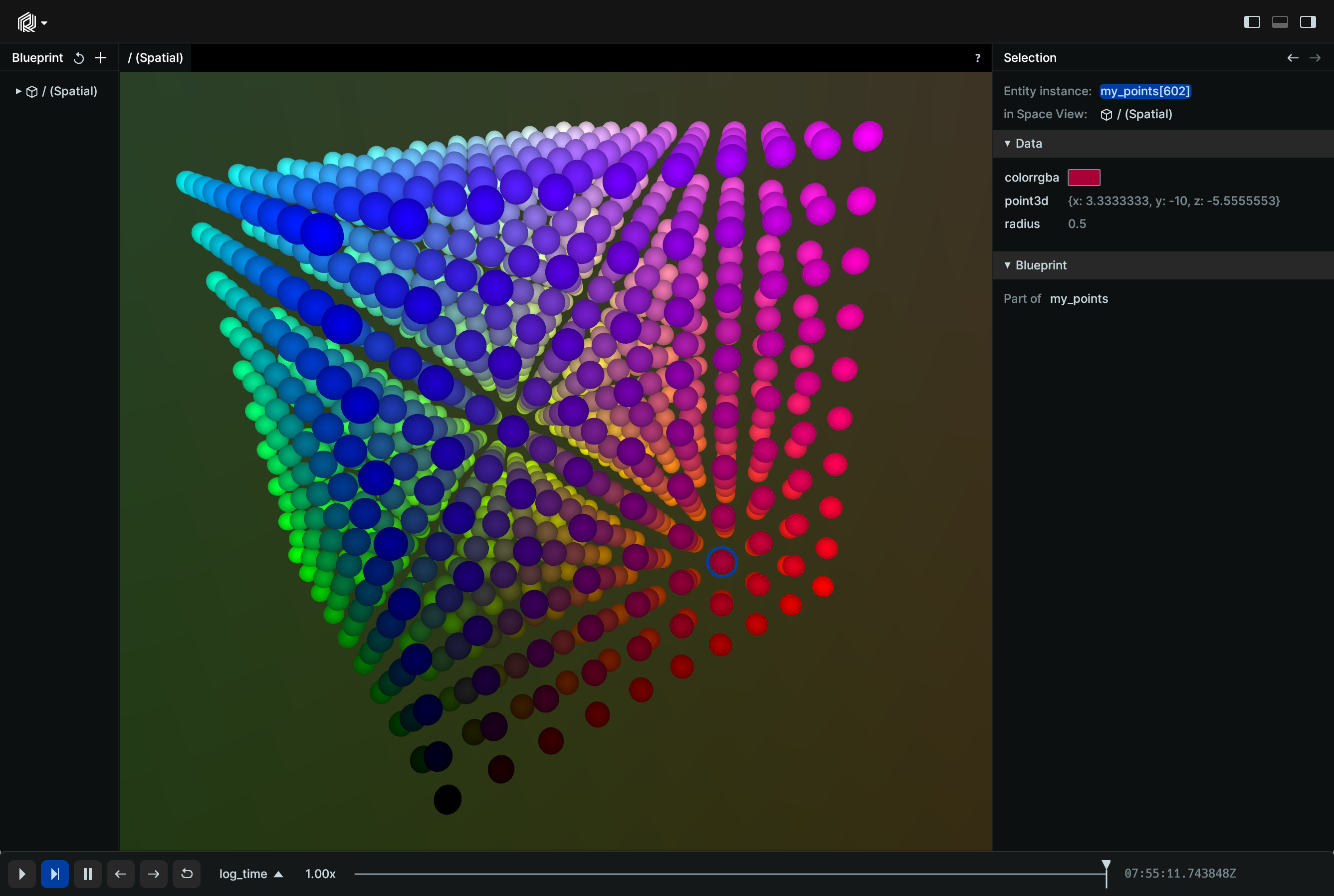
minimal
cargo run -p minimal
A minimal example, showing how to log a point cloud.
objectron
cargo run -p objectron
Demonstrates how to log:
- Points
- Images
- Camera extrinsics (rigid transform)
- Camera intrinsics (pinhole transform)
raw_mesh
cargo run -p raw_mesh
Reads a GLTF mesh file and logs it to Rerun, preserving the transform hierarchy of the GLTF file.
Demonstrates how to log:
- Triangle meshes
- Rigid transforms
dna
cargo run -p dna
This is what you'll build when following our Getting Started guide.