# Accessing Private/Gated Models
Due to the possibility of leaking access tokens to users of your website or web application, we only support accessing private/gated models from server-side environments (e.g., Node.js) that have access to the process' environment variables.
## Step 1: Generating a User Access Token
[User Access Tokens](https://huggingface.co/docs/hub/security-tokens) are the preferred way to authenticate an application to Hugging Face services.
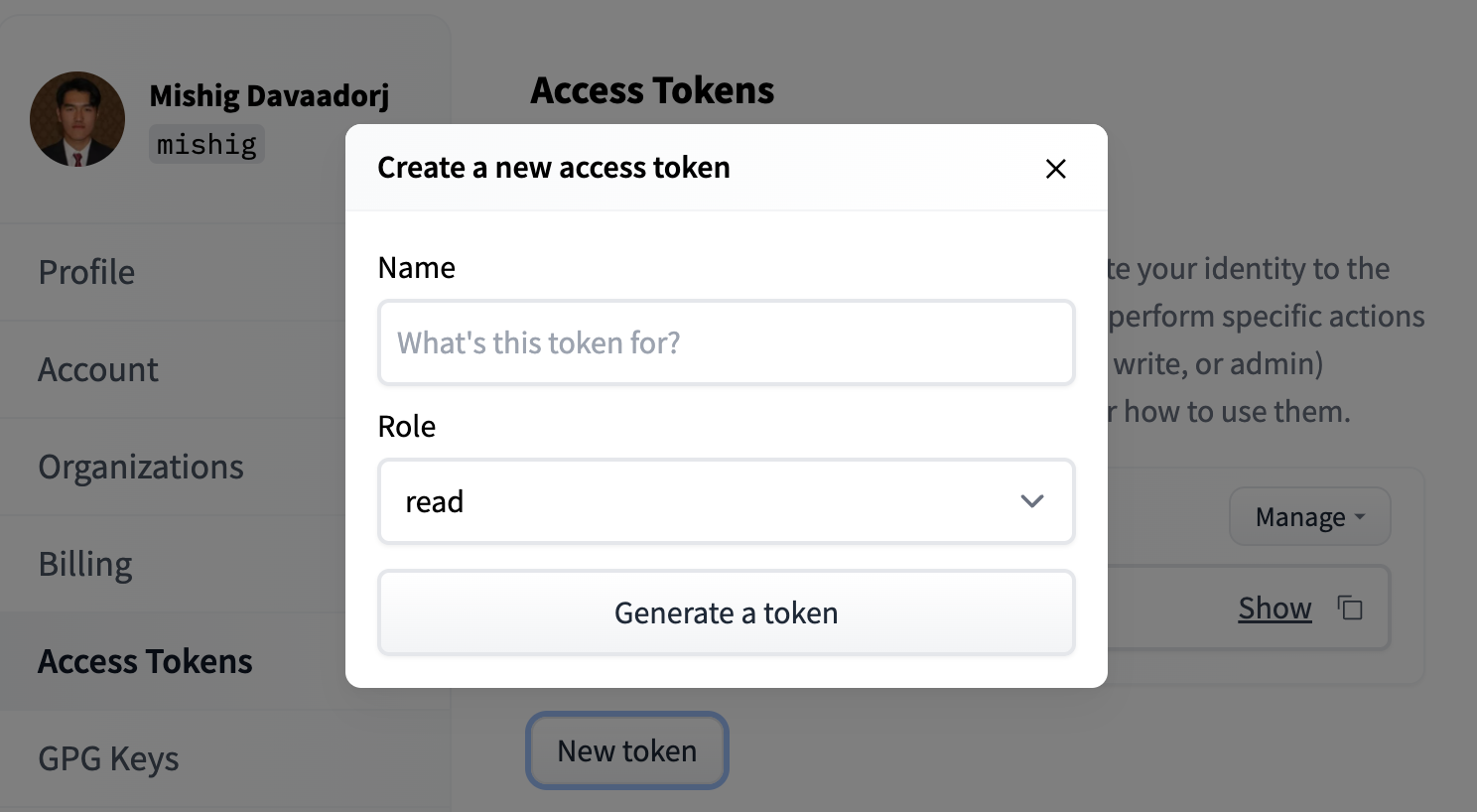
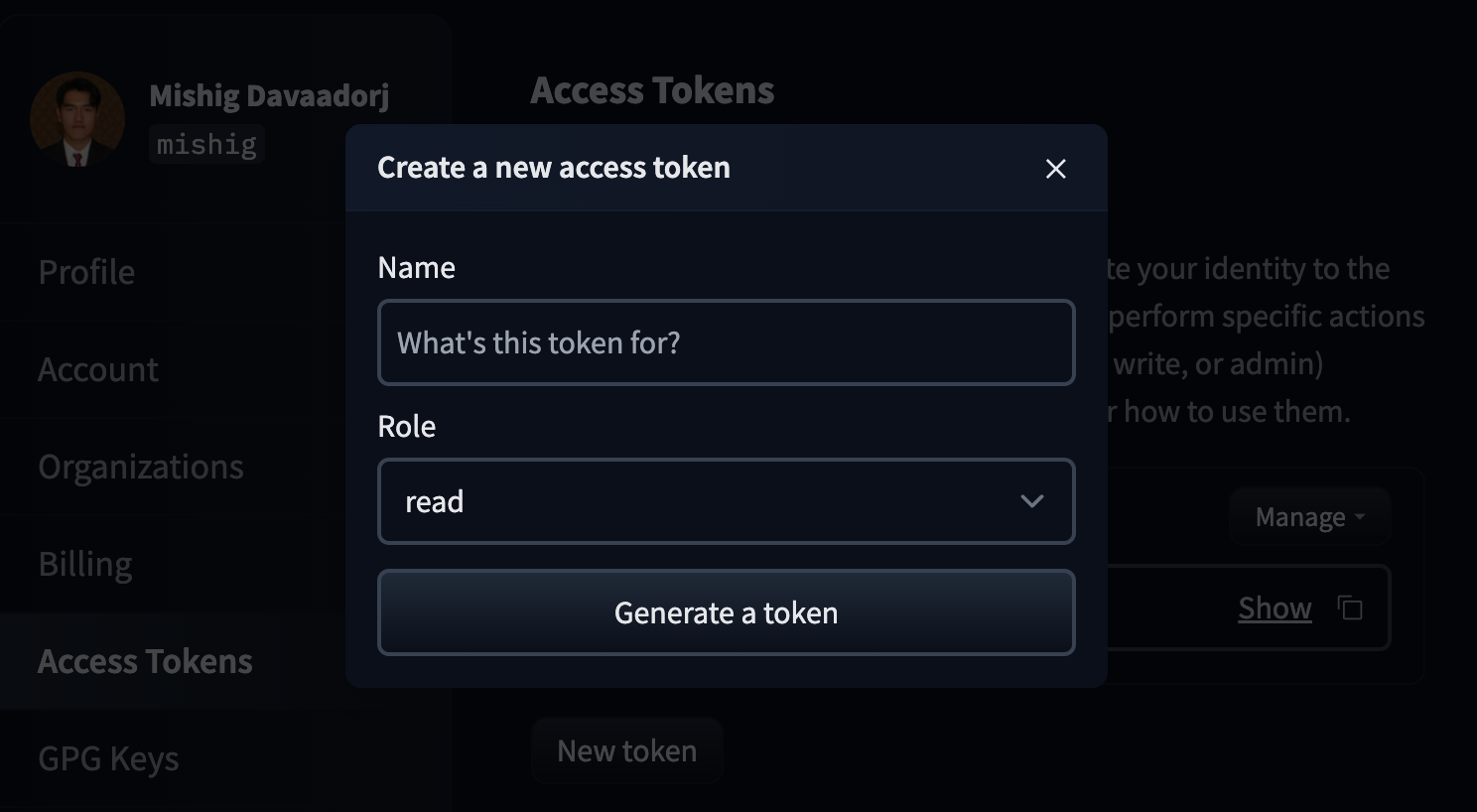
To generate an access token, navigate to the [Access Tokens tab](https://huggingface.co/settings/tokens) in your settings and click on the **New token** button. Choose a name for your token and click **Generate a token** (we recommend keeping the "Role" as read-only). You can then click the **Copy** button next to your newly-created token to copy it to your clipboard.
To delete or refresh User Access Tokens, you can click the **Manage** button.
## Step 2: Using the access token in Transformers.js
Transformers.js will attach an Authorization header to requests made to the Hugging Face Hub when the `HF_TOKEN` environment variable is set and visible to the process.
One way to do this is to call your program with the environment variable set. For example, let's say you have a file called `llama.js` with the following code:
```js
import { AutoTokenizer } from "@huggingface/transformers";
// Load tokenizer for a gated repository.
const tokenizer = await AutoTokenizer.from_pretrained(
"meta-llama/Llama-2-7b-hf",
);
// Encode text.
const text = "Hello world!";
const encoded = tokenizer.encode(text);
console.log(encoded);
```
You can then use the following command to set the `HF_TOKEN` environment variable and run the file:
```bash
HF_TOKEN=hf_... node tests/llama.js
```
(remember to replace `hf_...` with your actual access token).
If done correctly, you should see the following output:
```bash
[ 1, 15043, 3186, 29991 ]
```
Alternatively, you can set the environment variable directly in your code:
```js
// Set access token (NB: Keep this private!)
process.env.HF_TOKEN = "hf_...";
// ... rest of your code
```